Draw your floor plan. Your mistakes? The plan tells you.
Type a dimension and the wall is drawn. Get 3D, sections, elevations and drawing sheets from the same plan; forget a column and the plan warns you. No installation, it runs in your browser.
Free account · Once you verify your email, your plans are saved to your account
Turn your phone sideways to draw. Held upright, you can open and show your saved plans.
The editor itself · 3-bedroom template
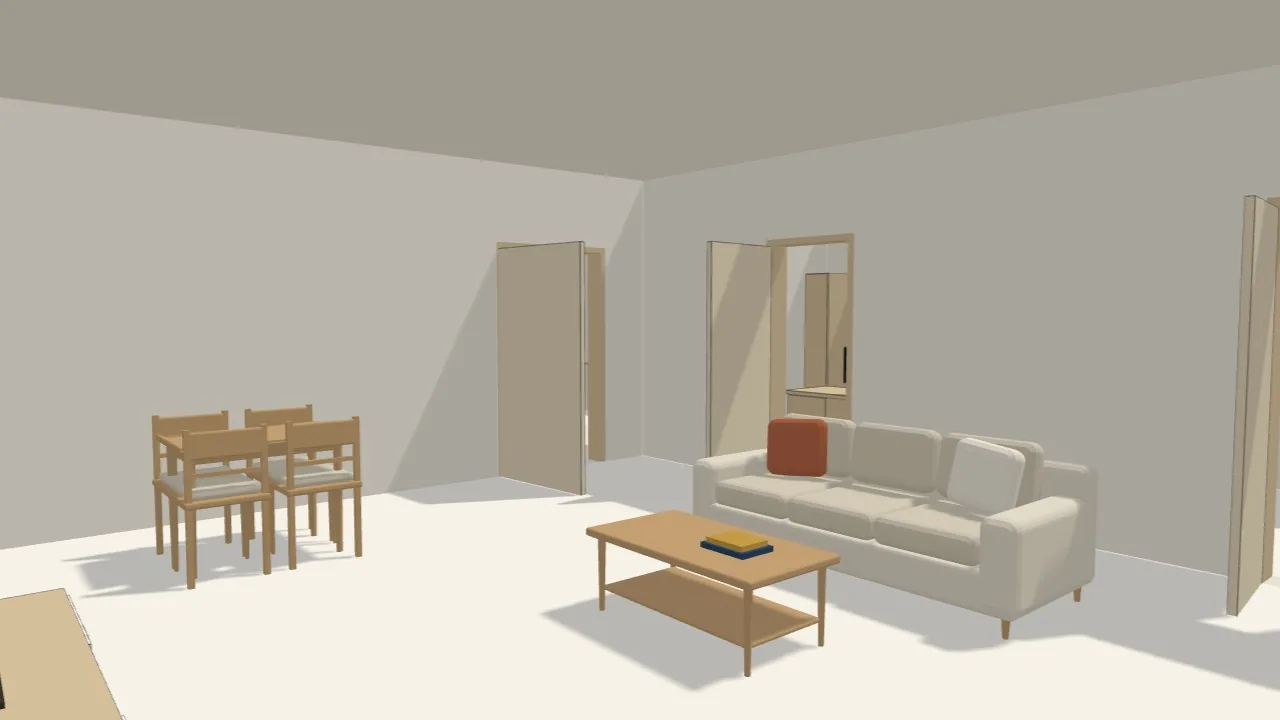
Real screenshot · same project, 3D in one click
cmType the length, the wall ends exactly there
1 plan3D, sections, elevations and sheets from the same plan
3952D and 3D objects, true to size
12 languagesNo installation, runs in your browser
One plan, every drawing
Draw once: 3D, sections, sheets, services and checks come from the plan.
You draw the walls once; the 3D model, section, elevation, sheet, render, electrical and plumbing, structural, fire and accessibility checks all come from the same plan. Change the plan and they all change together.
Projects drawn in the editorReal output
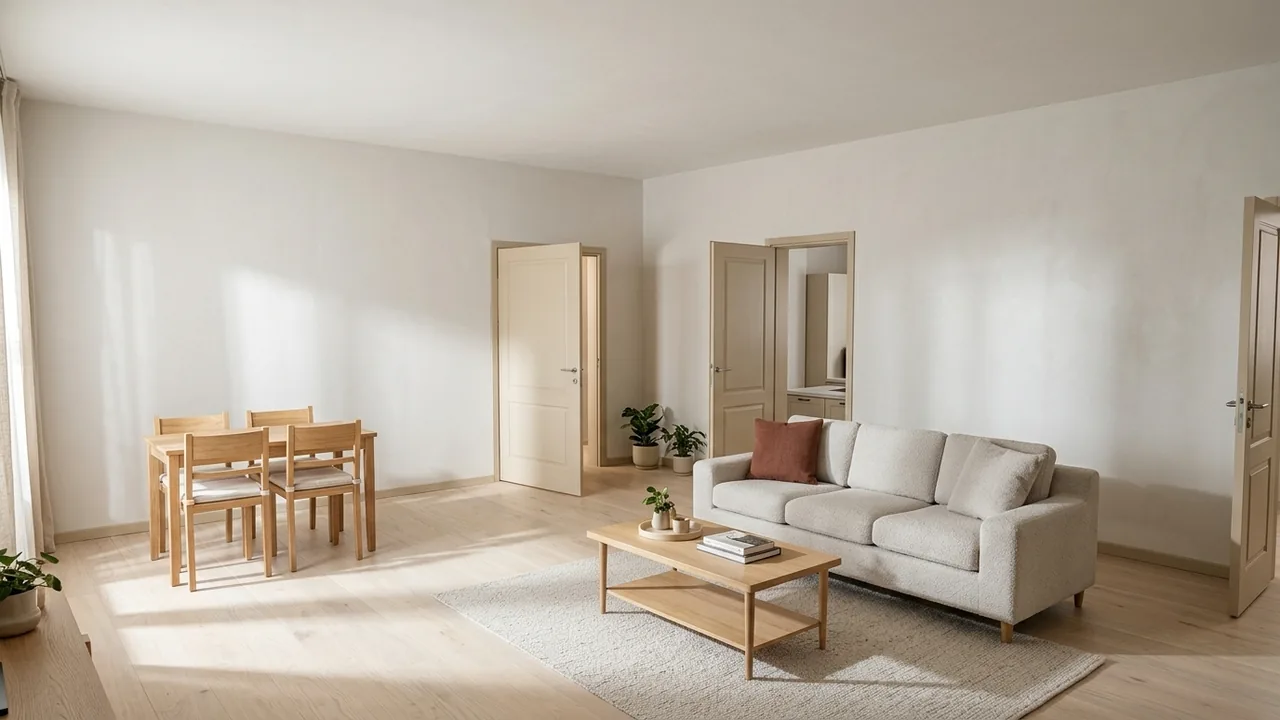
Draw the wall with its dimension; area, room and door counts are automatic. The section line stays on the plan.3D in one click. 3D of a single floor is on Free; all floors, the roof and 3D PNG are on Plus.Place a section line with two clicks on the plan; slabs, levels and floor heights are automatic.Elevations from four sides: doors and windows with their types, and the roof you chose in 3D.Plan, section and elevation on the same sheet with a title block. On Free the plan sheet is a PNG; the section and elevation box, scaled PDF and your own title block are on Plus, DXF on Pro.A realistic image from the 3D view with AI. Free and Plus get 2 free renders once you verify your email.Sockets, switches, lighting circuits, water and drain lines on the same plan; the services check flags any symbol not connected to a circuit.Structural pre-check of columns and beams on Plus; quantities and cost estimate on Pro; voltage and load calculation, BIM clash check and IFC on Ultimate.Fire extinguishers, detectors and exit signs on Plus; escape distance check and evacuation plan sheet on Pro.Turning space, door widths and the wheelchair route from the entrance to every room on the plan; straight, L or U ramps and 23 accessible objects. Free on every plan.
What's different?
Floor plan software that checks what you draw.
It tells you when you forget a column, turns what you type into a plan and shows the plan like a photo. All on the screen you draw on.
01 Structural pre-check Plus
Forget a column? It won't stay quiet.
Loads on columns, beams and slabs are calculated as you draw; any member that falls short turns red, with what you need to do.
A pre-check based on TBDY 2018 and TS 500; it does not replace the structural design.
Accessible floor plans: by wheelchair to every room.
The Accessible step checks your plan against German, UK, US and Türkiye accessibility rules: turning space in every room, clear door openings and the wheelchair route from the entrance to each room appear on the plan.
Ø150turning space and door width in every room
Rampstraight, L or U; slope and landings by the rules
23accessible objects: toilet, counter, care bed, home lift
The drawing tools are always free: rooms, walls, doors, windows, 30 basic furniture items, 3D of a single floor and PNG export are in the Free plan, and you can save 5 projects to your account. Scaled PDF, sections, elevations and electrical & plumbing are in Plus; AI is in Pro.
Do I need to download any software?
No. Nodaform runs in your browser; an up-to-date browser on Windows, Mac or Linux is all you need. Your plans are saved to your account, so you can pick up where you left off on another device.
Can I use it on my phone?
Turn your phone sideways and the full editor opens. Held upright, you can open and show your saved plans.
Are the dimensions interior dimensions?
Yes. Room and wall dimensions are interior dimensions, as in architectural drawings; the wall thickness is added outwards. If you like, you can switch to centreline or exterior dimensions in the settings.
Which formats can I get my drawing in?
PNG in Free; scaled vector PDF sheets in Plus; DXF in Pro; IFC in Ultimate. You can also download the project file as .json.
Do the structural and fire checks replace an engineer?
No. The structural pre-check, fire check and cost estimate are meant for the concept stage; construction drawings need approval from a licensed architect and engineer.
Turn your phone sidewaysDrawing works in landscape. Your plan is just as you left it.
Turn your phone sideways to draw.
In landscape you can draw walls, rooms, doors, windows and furniture. A computer is more comfortable for large plans.
Your account is ready. If you like, send yourself the link to continue on a computer.
On a tablet, turn the screen to landscape.
inside lengthcm
3D · Ground floor
Preparing 3D scene…
Drag: rotate · Right-click or Shift+drag: pan · Wheel: zoom · F: fit · Esc: back to 2D plan
One finger: rotate · Two fingers: zoom and pan
Mouse · 2D plan
Left click Select, draw, placeLeft click + drag Move · drag on empty space to box-selectMiddle button + drag PanScroll wheel Zoom in and outRight click Finish the tool (complete the drawing)
Mouse · 3D view
Left click + drag RotateRight click + drag PanScroll wheel Zoom inDouble click Back to isometric view
Keyboard shortcuts
V SelectO RoomW WallK DoorP WindowT LabelD DimensionM StairsC ColumnB BeamE ServicesH Draw lineR Rotate 15°Ctrl+D DuplicateDel DeleteEsc CancelG GridS SnappingL DimensionsF Fit to screenCtrl+Z UndoCtrl+S SaveCtrl+Shift+S Download .jsonSpace+drag PanWheel ZoomPgUp/PgDn Change floorCtrl+A Select all3D: 1–4, H views
View
Background colour
Wall colour
Text size
Dimensions and labels
Symbols
Drawing
Settings are saved with this project; the PNG export looks the same.
Floors
AssistantPro
Tell me what you want and I'll apply it to this floor: rooms, doors, windows, furniture or a whole new apartment draft. Everything I do can be undone in one step with Ctrl+Z.
The Assistant is included in the Pro and Ultimate plans.
25 requests a month on Pro, 60 a month on Ultimate. Your drawing tools stay the same.
Your request and this floor's plan are sent to our AI provider, Anthropic, to generate a response. Check the result; AI can make mistakes.
0.00 , 0.00 m45%No selectionPick a tool and start drawing
New plan
Create plan
Enter the net dimensions of the plot or building area; the outer walls are built around it.
m
m
cm
Sharing
Who are you sharing the plan with?
Give each person their own permission: view only, comment or full access. You can change it later.
Simulation
Voltage and load report
Render · AI
Render
Studying the frame…0 s
The image is a suggestion; the position or size of windows and furniture may not match the plan exactly. Use the plan for measurements. Renders from this session are deleted when you close the page; download the ones you like.
Furniture · Plus
Custom object
Add your own furniture with its dimensions. It stays in your library, and you can drag and drop it into any project.
cm
cm
cm
Image as PNG or JPEG, up to 200 KB; it is placed inside the object on the plan.
Sheet editor
Which sheets?
Export layers
Snapshot
Choose which layers appear in the export. Start with a preset and change individual layers if you like.
Layers
Support
Report a bug or write to us
Your message goes to the support team. You will see the reply in your email and in My account › Support.
Request received
We will email you when we reply. You can also see your request in My account › Support.
Plan, section, elevation, 3D, room list, legend… Each box is one view on the sheet. Drag a box in the preview to move it and resize it from its bottom-right corner; edges snap to each other.
Paper
mm
mm
Title block
The Free plan uses a ready-made title block. Your own title block, logo and text settings come with Plus.